The Florist's Moodboard — how we brief bespoke work
An eight-step moodboard workflow for florists handling custom orders — how to gather references, align expectations, and eliminate the fight over 'this isn't what I ordered.'
Every wedding florist has experienced the dispute: bride expected one thing; studio delivered another. Both parties feel wronged. Trust breaks down.
The florist moodboard eliminates 80% of these disputes by aligning aesthetic expectations in writing before any wholesale order goes out.
TL;DR. The florist moodboard is a 6-8 image reference visual that aligns client and studio on aesthetic before design work begins. Standard workflow: gather 3-5 client- provided references, add 3-5 studio-curated pieces, arrange in Pinterest or PDF, review with client, finalize with signed approval.
The eight-step workflow
Step 1 — Gather client-provided references
At initial consultation, ask client:
- "What 3-5 images have you saved that represent your dream wedding flowers?"
- "What Instagram accounts have you been following for wedding inspiration?"
- "What colours do you want in your palette?"
Save these to a shared reference folder.
Step 2 — Curate studio references
Add 3-5 studio pieces that:
- Match the client aesthetic direction
- Show your specific capability in that style
- Highlight color palette variations
- Include specific flower cultivars
Step 3 — Define the palette explicitly
Not "pastels" — specify:
- 3-5 exact colors with hex codes or paint chip references
- Dominant color and accent colors
- What to avoid
Step 4 — Note style keywords
3-5 words that capture the aesthetic:
- "Modern minimalist" vs "lush garden"
- "Structured" vs "organic"
- "Bright" vs "moody"
- "Traditional" vs "editorial"
Step 5 — Format the moodboard
Options:
- Pinterest board (free, easy sharing) — most common
- Canva design (customizable layout)
- PDF (professional for luxury clients)
Include:
- 6-8 reference images
- Palette swatches
- Style keywords
- Studio name and client name
- Wedding date
Step 6 — Review with client
Schedule 30-45 min review call or in-person meeting.
Discussion:
- Walk through each image
- Confirm palette
- Adjust if needed
- Note any concerns
Step 7 — Iterate one round if needed
If client wants changes: incorporate and re-review.
Cap at 2 rounds. More than 2 rounds signals fundamental misalignment; consider whether the studio is right fit.
Step 8 — Sign off before design work
Send final moodboard for written approval:
"By approving, client agrees this represents the aesthetic direction of the wedding flowers. Studio will design and source within this direction. Substitutions may occur for market availability; overall aesthetic will match this approved reference."
Store signed approval with contract.
Sample moodboard content
For a spring garden wedding:
6 images:
- Bridal bouquet with garden roses + ranunculus + eucalyptus
- Compote centerpiece with same palette
- Ceremony arch with soft trailing greenery
- Boutonniere close-up
- Cake with fresh flower garnish
- Wide venue shot with candles and flowers
Palette: cream, blush, sage, soft peach
Style keywords: garden, romantic, organic, lush
Cultivars specified:
- Juliet garden roses
- Cloni Success ranunculus
- Silver dollar eucalyptus
- Waxflower filler
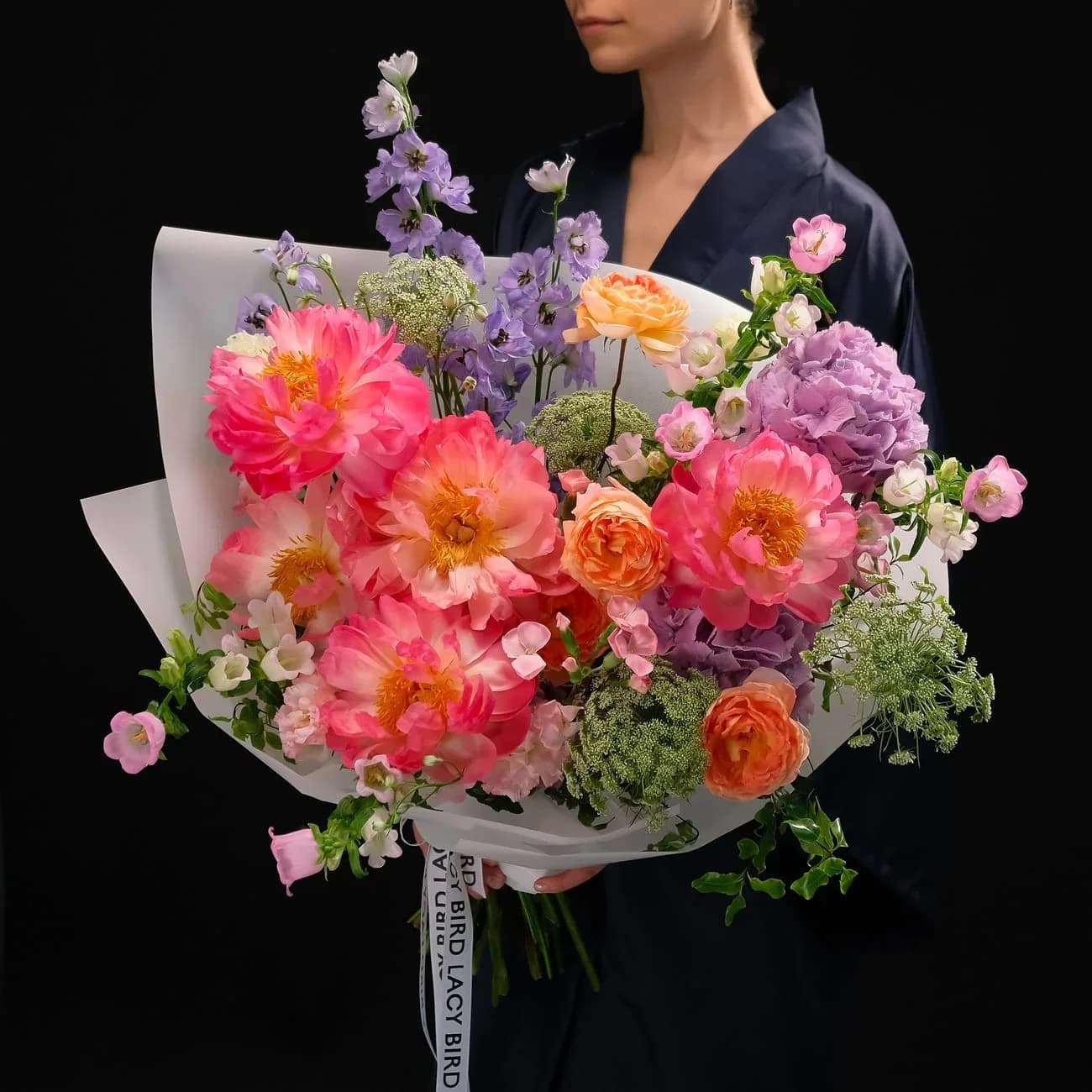

Pinterest as the standard tool
Pinterest is the most-used moodboard tool for florist consultations.
Pinterest advantages:
- Free
- Familiar to most clients
- Easy image gathering
- Shareable board link
- Client can add pins
Pinterest downsides:
- Client can un-pin (records change over time)
- No signature capture
- Less formal for luxury clients
Best practice: Pinterest board for gathering + PDF snapshot for signed approval.
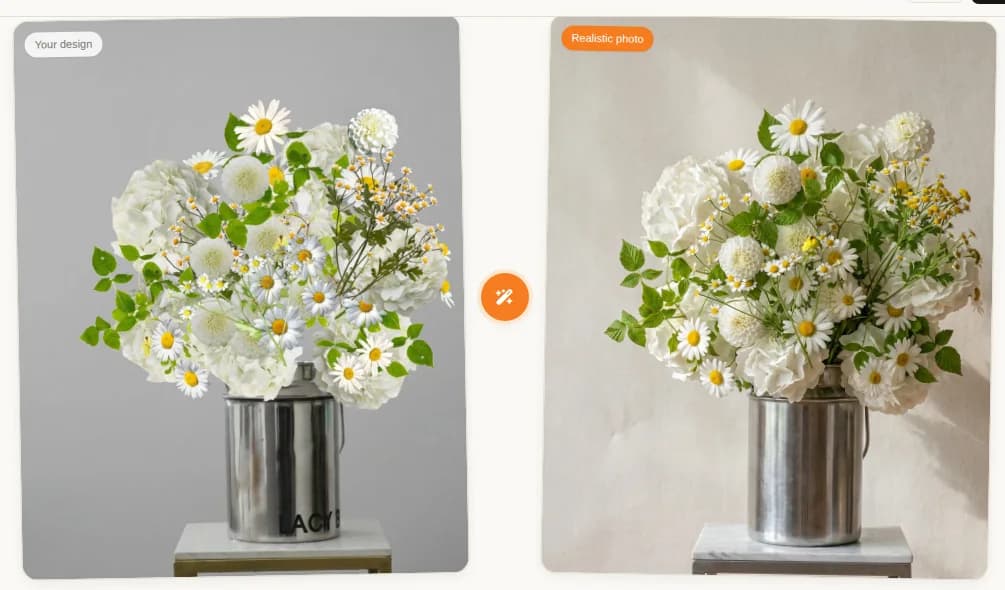
Canva alternative
For studios wanting more customization:
- Custom layouts
- Studio branding
- Text captions on images
- Combined palette + images + specifications
- Downloadable PDF
Takes 20-40 minutes per moodboard. Worth it for luxury bookings.
PDF for luxury clients
For $10K+ wedding flower budgets:
- Professional PDF layout
- Studio branding
- Full palette specifications
- Cultivar-level notes
- Delivery timeline
- Signed approval page
Sent as email attachment; client signs and returns.
What to include vs exclude
Include
- Aesthetic direction images
- Palette specifications
- Density and volume references
- Specific cultivars if requested
- Style keywords
- Studio brand mark
Exclude
- Pinterest board with 100+ pins (overwhelming)
- Vague palette descriptions
- Multiple contradictory styles
- Unrelated wedding elements (dress, cake) unless flowers interact directly
Keep focus.
Handling client-provided references
Sometimes clients provide 20+ references. Curation:
- Ask which 3-5 they love most
- Identify the aesthetic common denominator
- Ignore outliers
- Confirm the reduced set represents their vision
If client is attached to contradictory references:
- Discuss why they resonate individually
- Identify the underlying palette or style thread
- Propose which direction to prioritize
- Get explicit choice in writing
When moodboards fail
Client changes mind after signing. Explicit contract clause about redesign fees ($500-2,000 depending on scale).
Vendor unable to source specified cultivars. Substitution clause in contract handles this.
Photographs don't match moodboard. Client photos are inherently different; discuss reasonable expectations upfront.
Weather/venue changes. May affect delivered arrangements; address in weather clause.
Common moodboard mistakes
Skipping the moodboard for smaller weddings. Every wedding over $2K needs one.
Not getting signed approval. Verbal agreement is not enforceable.
Too many images. More than 8 dilutes focus.
Vague palette. "Pinks and greens" is not enough — specify.
No cultivar specification for luxury. "Garden roses" is not enough at luxury tier — specify Juliet, Keira, etc.
Client-provided images from photographers. May not represent achievable results for your studio. Discuss.
The 30-minute moodboard workflow
Efficient studios build moodboards in 30 minutes:
- 5 min: gather client references
- 10 min: add studio curation
- 5 min: define palette and keywords
- 5 min: format
- 5 min: send to client for approval
The 30 minutes save 2-4 hours of downstream disputes.
FAQ
What is a florist moodboard?
A 6-8 image visual reference document showing intended aesthetic direction of a bespoke floral design — palette, style, density, texture, overall feel. Created collaboratively with client during consultation phase.
How do florists create moodboards?
Eight-step workflow: gather client references, add studio curation, define palette explicitly, note style keywords, format in Pinterest or PDF, review with client, iterate one round, sign off before design work.
Need for every wedding?
Yes for any wedding over $2,000 in flowers. Moodboards eliminate 80% of post-event disputes. Smaller work: informal Instagram conversation may suffice.
What tools?
Pinterest (free, most popular). Canva (customizable). Instagram saves for quick reference. PDF for luxury client meetings. HoneyBook and Aisle Planner have built-in moodboard tools.
Related reading: